If your Goal Zero Lighthouse Micro Flash will not charge, will not turn off, or seems to have lost its battery life, most of the answers are in Goal Zero’s own user guide and help center, and they are short. This page collects everything Goal Zero publishes about the Micro Flash battery, charging, the button and demo mode, checked on goalzero.com and help.goalzero.com on 8 October 2026. Where Goal Zero says nothing, we say so and point you to their support team instead of guessing.
Quick answers
| Problem | What Goal Zero’s documents say | What to do first |
|---|---|---|
| Brand new, light flashes or cycles and will not behave | It ships in DEMO MODE. Plug it into a powered USB port, or press the button five times and hold on the sixth until the battery indicator flashes | Take it out of demo mode before anything else |
| Not charging | Charges in 3.5 hours from a USB port rated 5V, up to 1A (5W max), using the flip-out USB tip | Try a different powered USB-A port or wall adapter and wait; watch the four battery indicator lights |
| Will not turn off, or stuck in one mode | One press is flashlight, two is lantern high, three is lantern low. Press and hold dims the current mode | Cycle through the modes with single presses; if it still ignores the button, charge it fully, then contact Goal Zero |
| Battery seems weak after storage | Shelf life: keep plugged in, or charge every 3 to 6 months | Give it a full 3.5-hour charge and test runtime against the table below |
| Want to replace the battery | The spec sheet lists an internal 18650 Li-ion NMC cell. No replacement procedure or battery part is published | Contact Goal Zero; the light carries a 2-year warranty |
The battery, as Goal Zero describes it
These figures are from the Lighthouse Micro Flash product page at goalzero.com and the PDF user guide linked from Goal Zero’s help center, both checked on 8 October 2026.
| Item | Goal Zero’s figure |
|---|---|
| Cell chemistry | Li-ion NMC |
| Cell type | 18650 (product page adds: by LG Chem or Samsung) |
| Capacity | 9.62 Wh (3.7 V, 2600 mAh) |
| Lifecycles | “hundreds of cycles” |
| Shelf life | Keep plugged in, or charge every 3 to 6 months |
| Management system | Charging and low-battery protection built in |
| Input | USB, 5 V, up to 1 A (5 W max) |
| Charge time | 3.5 hours from a USB source; 3.5 hours from a Nomad solar panel |
| Simultaneous recharge and discharge | Yes |
| Operating temperature (user guide) | 32 to 104 °F (0 to 40 °C) |
| Weather rating | IPX6 |
| Warranty | 2 years on the current product page and warranty page. The older printed user guide says 12 months; the website figure is the current one |
Can you replace the battery in a Lighthouse Micro Flash?
This is the most common search about the light, and the honest answer is that Goal Zero does not publish a way to do it. The spec sheet names the cell, a single 18650, but neither the product page nor the user guide describes opening the housing, and Goal Zero does not list a replacement battery for the Micro Flash as a part on goalzero.com as of 8 October 2026. The light is sold as a sealed rechargeable lantern, and the body is rated IPX6 for weather resistance, which depends on it staying sealed.
So if the battery has stopped holding a charge:
- Rule out the simple causes first: demo mode, a USB port that is not powered, and a light that has sat empty for months. All three look like a dead battery and none of them is.
- If the light is under two years old, use Goal Zero’s warranty process. Their warranty page asks you to submit a request through the help center with proof of purchase, and approved claims get a return number and a replacement or repair.
- If it is out of warranty, contact Goal Zero support anyway before opening anything. Opening the housing is not described in their materials and will end the weather sealing.
We make covers for this light, not the light itself, so we will not tell you how to work inside it. What we can tell you is that a Micro Flash that charges and runs normally is cheap to keep going, because the battery is protected by the built-in charging and low-battery circuit and Goal Zero’s only maintenance instruction is to top it up every few months.
Not charging: the checklist
Goal Zero’s guide says the Micro Flash charges in 3.5 hours from any powered USB port using the flip-out USB tip, and that the battery indicator shows the level in four steps, 25, 50, 75 and 100 percent. Work down this list before deciding the battery is faulty.
- Is the port actually powered? Some USB ports on laptops, TVs and car stereos only supply power while the device is awake. Use a wall adapter you know works with a phone.
- Is it a USB-A socket? The flip-out tip on the light is a full-size USB-A plug. A USB-C-only charger needs an adapter, and not every adapter passes power to a low-draw device.
- Is the tip fully seated? Fold the tip all the way out and push it in until the body sits flat against the port. The indicator lights should respond within a few seconds.
- Is it in demo mode? A new light, or one that was reset, may be in DEMO MODE. Plugging into a powered USB port takes it out of demo mode by itself, which is one reason the first charge sometimes seems to do nothing for a moment.
- Is it too hot or too cold? The user guide gives an operating range of 32 to 104 °F. A light left in a frozen tent or a hot car is outside that range. Bring it indoors and try again later.
- Has it been empty for a long time? Goal Zero asks for a charge every 3 to 6 months in storage. A deeply discharged cell can take a while before the indicator shows anything. Leave it on a known-good charger for the full 3.5 hours.
If the indicator still shows nothing after a full charge on a good port, that is the point to contact Goal Zero rather than keep trying chargers.
Will not turn off, will not stay on, or keeps cycling
The Micro Flash has one control, the On/Off/Dimmer Button on the top. Goal Zero’s help center describes it like this: push once for flashlight mode, twice for lantern high, three times for lantern low, and press and hold to dim whichever mode you are in. A light that seems to “refuse” to turn off is often one where a press landed as a hold and dimmed the light instead of stepping it on. Use short, firm single presses and step through the modes until it goes off.
A new light that flashes, cycles or does not respond the way the guide describes is almost always still in DEMO MODE. Goal Zero gives two ways out:
- Plug it into a powered USB port.
- Not near a USB port? Press the On/Off/Dimmer Button five times and hold on the sixth. The Battery Indicator will flash and the light leaves demo mode.
That five-and-hold sequence is the only reset Goal Zero publishes for the Micro Flash. There is no other hidden button combination in their materials, and we will not invent one. If the light is out of demo mode, fully charged, and still ignores the button, it is a warranty question.
How long it should run
Before deciding a battery is worn, compare what you are getting with Goal Zero’s own runtime figures. These are from the user guide and the product page, which agree on the hours.
| Mode | Runtime | Output |
|---|---|---|
| Lantern, both sides, high | 7 hours | 150 lumens on a full battery, 135 average |
| Lantern, both sides, low | 80 hours | 10 lumens on a full battery, 7 average |
| Lantern, one side, high | 15 hours | user guide: 75 lumens |
| Lantern, one side, low | 170 hours | user guide: 10 lumens |
| Flashlight, high | 8.5 hours | 120 lumens on a full battery, 115 average |
| Flashlight, low | 100 hours | 20 lumens on a full battery, 15 average |
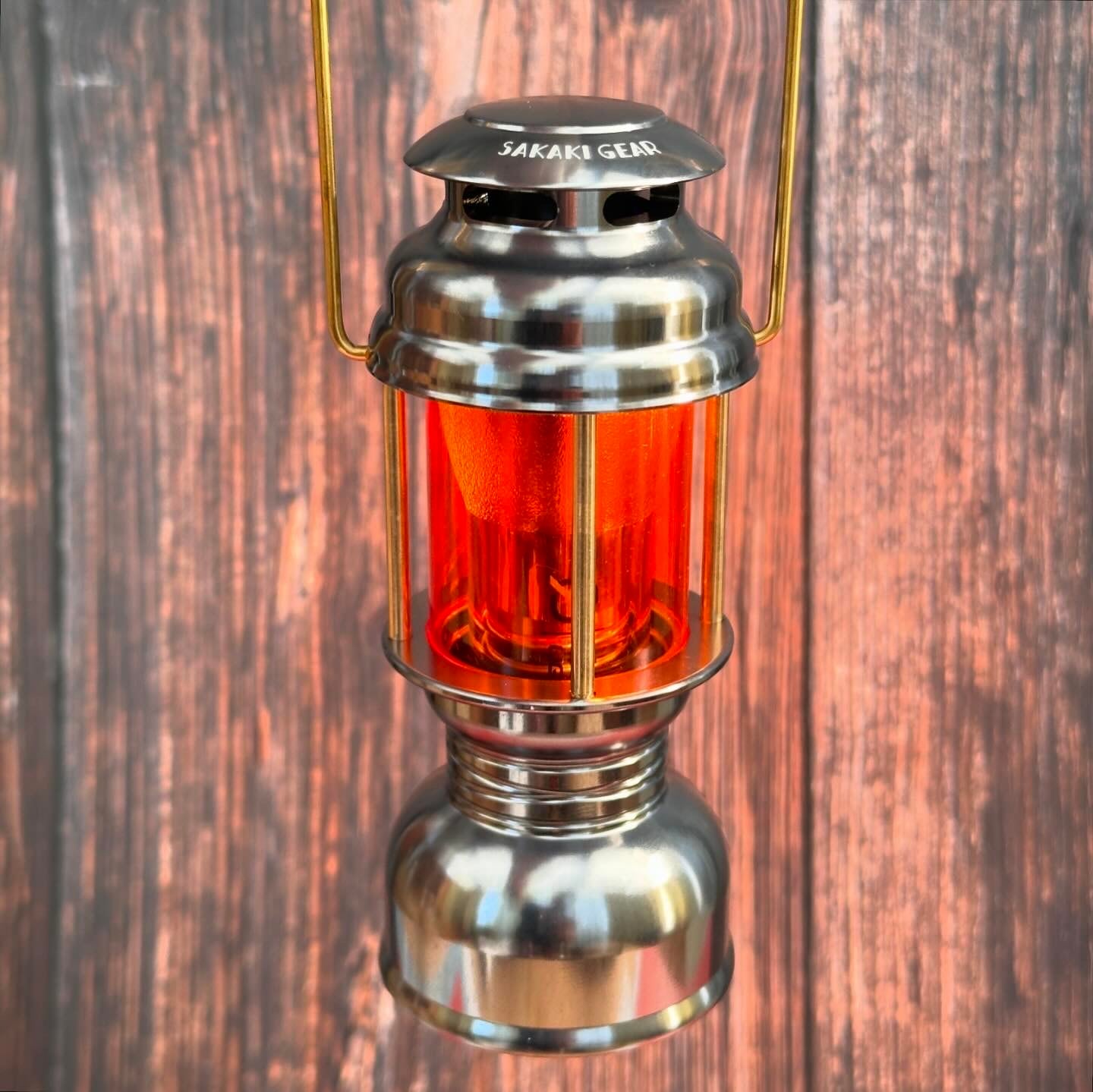
Two things follow from that table. First, a light left on lantern high at a campsite dinner and then forgotten will be flat by morning, which is normal, not a fault. Second, the low settings are where this light earns its keep: at the table, low on both sides gives a warm evening glow for days, and inside a brass cover with an orange inner tube that is exactly the setting most owners use.
Storage between trips
Goal Zero’s whole storage advice fits in one line: keep it plugged in, or charge it every 3 to 6 months. A practical habit is to charge the light the day you unpack from a trip, so it is full whenever the next one comes. The user guide’s operating range of 32 to 104 °F also suggests where not to store it: not in the car through a Utah summer or a Minnesota winter. A drawer indoors is fine.
Charging and covers
A cover changes nothing about the battery. It is a passive metal sleeve, it draws no power, and the light’s own circuit still manages charging and low-battery cut-off. Two practical notes for anyone who keeps the light in a cover:
- The button must stay reachable. Every SAKAKI Gear cover leaves the cap and the On/Off/Dimmer Button clear, so dimming and the flashlight work with the cover on.
- Charging happens on the light itself through the flip-out USB tip. If your cover hides the tip, take the light out of the sleeve to charge, then put it back. It takes a few seconds and it is the same with any sleeve-type cover or shade.
If you decide to keep the light for years
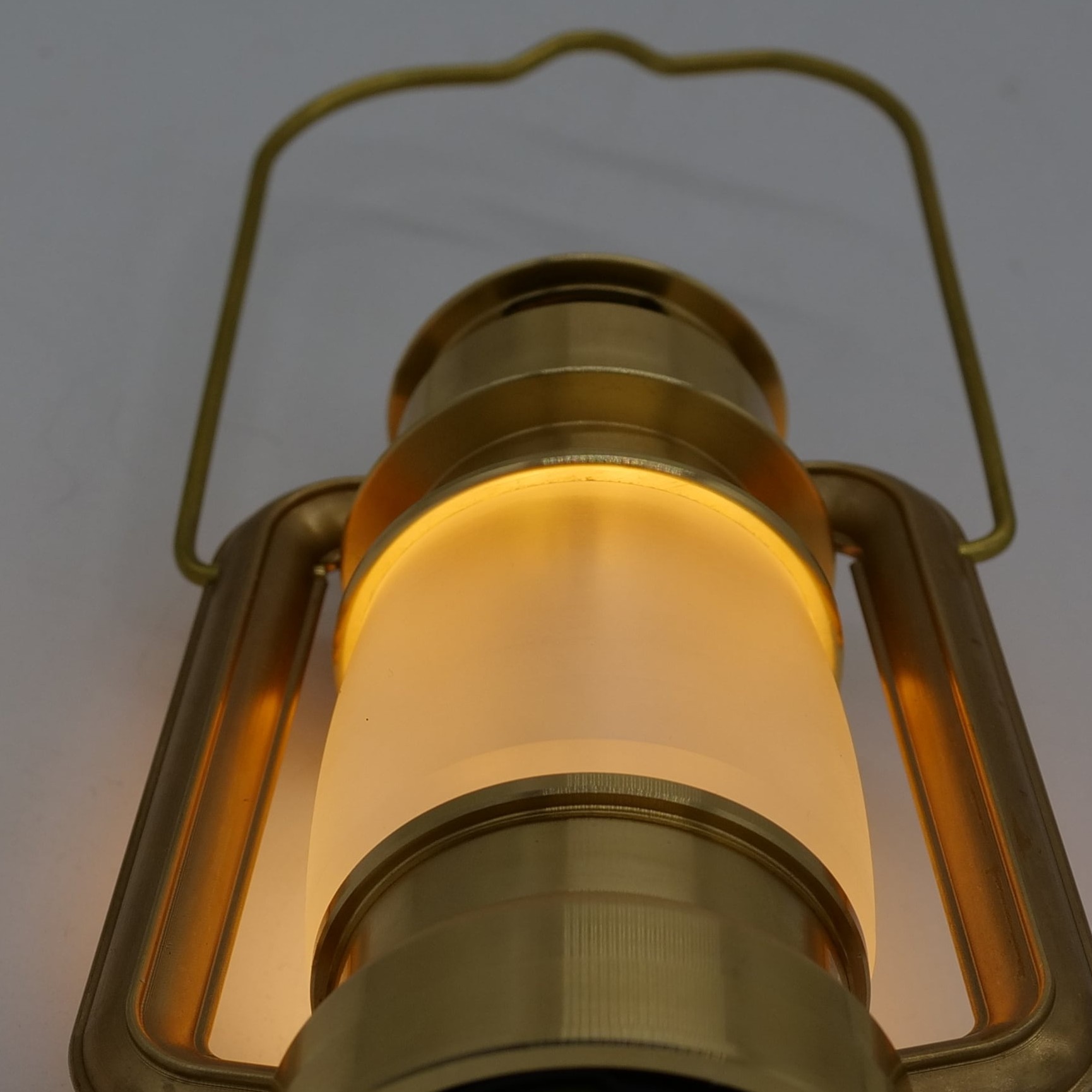
A Micro Flash that charges and runs to the figures above is a light worth building around. Our covers are machined in Kasugai, Japan from solid brass or aluminium and are made to outlast the light inside them. Prices below include standard US shipping and prepaid US import duties, so nothing is collected at your door.
| Cover | Fits | Price |
|---|---|---|
| Hajimari Set | Comes with a light installed, so nothing to match | $229 |
| Akatsuki | Micro Flash | $329 |
| Hatenaki | Original Micro and Micro Flash | $389 |
| Mahoroba | Micro Flash | $439 |
| Mikasa | Micro Flash | $459 |
None of them fits the Lighthouse Micro Charge, whose body is 4.4 inches long against 3.66 inches for the Micro Flash. If you are not sure which light you have, Lighthouse Micro vs Micro Flash vs Micro Charge shows how to tell in three seconds.
Frequently asked questions
How do I know the Lighthouse Micro Flash is charging?
The battery indicator on the top shows the charge level in four steps, 25, 50, 75 and 100 percent, according to the user guide. If no light responds after a few seconds on a powered USB-A port, try another port before assuming a fault.
How long does the Lighthouse Micro Flash take to charge?
3.5 hours from a USB source rated 5 V, up to 1 A, and 3.5 hours from a Nomad solar panel in full sun, according to Goal Zero’s product page and user guide.
Can I use the light while it is charging?
Goal Zero’s product page lists “Simultaneous Recharge and Discharge: Yes”, so the light can be on while plugged in.
What is the Lighthouse Micro Flash battery?
A single internal 18650 lithium-ion NMC cell, 9.62 Wh (3.7 V, 2600 mAh), with charging and low-battery protection built in. Goal Zero does not publish a replacement procedure or list a replacement cell for it.
Why does my new Lighthouse Micro Flash flash and cycle on its own?
It is in DEMO MODE, which is how it ships. Plug it into a powered USB port, or press the button five times and hold on the sixth until the battery indicator flashes.
Does a brass cover drain the battery or affect charging?
No. A cover is passive. Battery life is unchanged, and charging is done on the light’s own USB tip, with the light out of the cover if the tip is hidden.
Sources checked
- Goal Zero, Lighthouse Micro Flash USB Rechargeable Lantern product page (specifications, charge times, warranty), checked 8 October 2026.
- Goal Zero Help Center, “How do I change the modes on my Lighthouse Micro Flash?” and “How do I take my Lighthouse Micro Flash out of demo mode?”, both last updated 17 July 2025, checked 8 October 2026.
- Goal Zero, Lighthouse Micro Flash User Guide (PDF linked from the Help Center product guide), checked 8 October 2026.
- Goal Zero Warranty page, checked 8 October 2026.
If anything here disagrees with what Goal Zero tells you directly, follow Goal Zero.
Next
To check which light you own and which cover fits, read the Lighthouse Micro cover compatibility guide. For warming the light rather than fixing it, see Goal Zero Lighthouse Micro shade. For the rest of the camp table, see the best Lighthouse Micro accessories.